Common uses
Touchscreens work best where people need to explore information at their own pace.
- Wayfinding and site maps
- Visitor and tourist information
- Product or property browsing
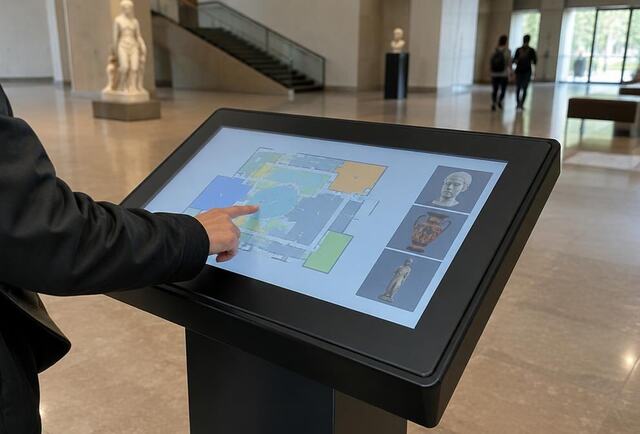
- Museum and exhibition interactives
Hardware and content
Options include wall-mounted touch displays and freestanding kiosk enclosures. The interactive content matters as much as the hardware; we will discuss whether you need a bespoke application or a configurable template.
Frequently asked questions
Can a touchscreen show adverts when nobody is using it?
Yes. Many systems show an attract loop of promotional content and switch to the interactive application when someone touches the screen.