A simple definition
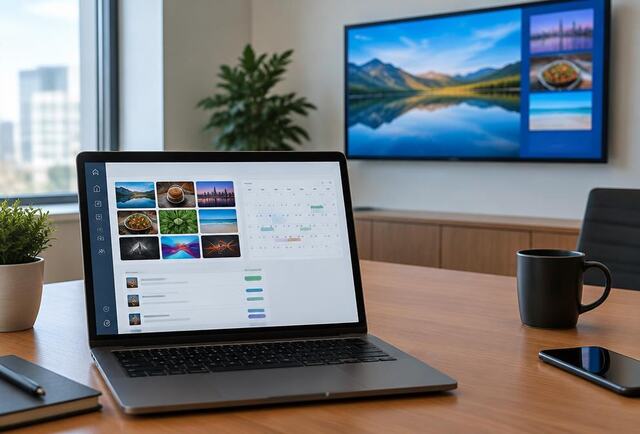
Digital signage means using screens, rather than printed posters, to display messages. The content is managed with software, so it can be changed, scheduled and updated without visiting the screen.
How it works
Content is uploaded to a content management system (CMS). The CMS sends it to a media player connected to, or built into, each screen. The player stores the content and plays it according to the schedule you set.
- Screen: a commercial display sized and specified for its location
- Media player: plays the content; often built into the screen
- CMS software: where you upload and schedule content
- Internet connection: used to receive updates
Examples of digital signage
A few typical examples:
- A bakery's window screen showing today's bread and cakes
- Three menu screens above a café counter that change at 11:30 from breakfast to lunch
- A hotel reception screen listing today's conferences by room
- A garden centre entrance screen promoting a weekend event and the café
- An estate agent's window rotating twenty properties
Getting started
Start with what you want the screen to achieve and where people will see it. That determines the screen type, size and brightness. Then decide who will manage content and how often it will change.