1. Start with the location
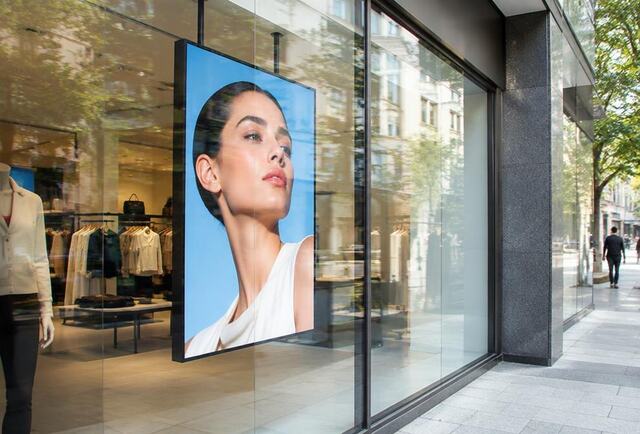
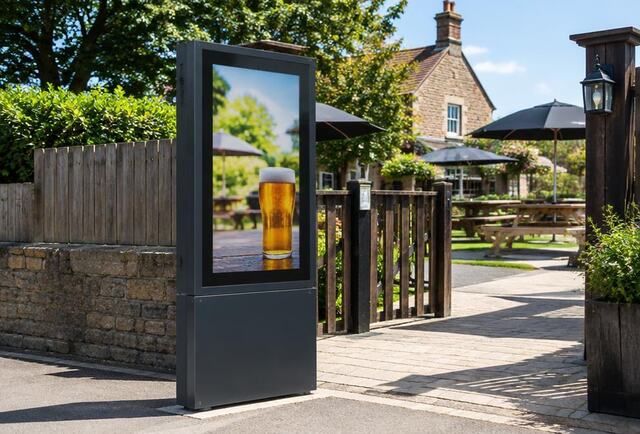
Indoor, behind a window, or outdoors? This single question determines more about the right screen than anything else.
2. Brightness
Brightness is measured in nits. Indoor screens suit indoor lighting; windows facing daylight need high-brightness displays; outdoor screens need high brightness plus weather protection.
3. Size and viewing distance
Larger screens suit longer viewing distances. Consider where people will stand, how long they'll look, and how much text you need to show. Fewer words in larger type usually works better than a bigger screen.
4. Commercial vs consumer
Commercial displays are designed for extended operating hours and business use, with mounting and control features consumer TVs lack. Using a TV commercially may also affect its warranty.
5. Orientation
Portrait suits poster-style content and narrow spaces; landscape suits menus, video and information.
6. Touch
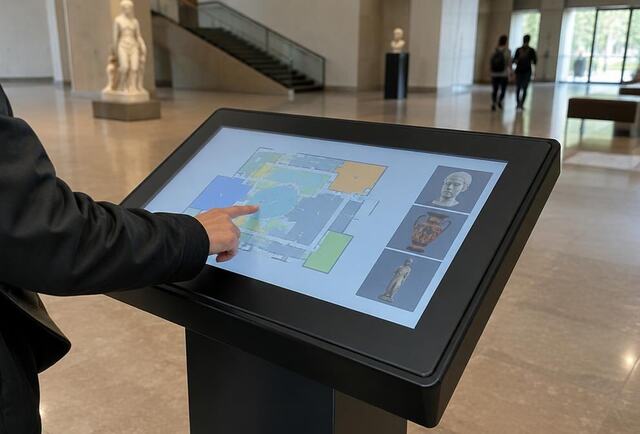
Touchscreens add interaction for browsing and wayfinding, but need content designed for touch and a position people can reach comfortably.